AI training for staff and teams · a Scorchsoft course
Find the AI habits costing your team, and fix the first one in 22 minutes
Most AI training explains what AI is. This shows you or your team how to get work out of it you’d put your name to. From someone who builds AI products and rolled AI out across his own team.
- Start free, 22 minutes
- No card needed
- Phone or desktop

Written by Andrew Ward
Founder of Scorchsoft
- Founded Scorchsoft (opens in a new tab) in 2010: software and AI products for start-ups to multinationals
- Rolled out AI across his own team, and builds AI agents and workflows for clients
- First-class degree in Computer Science with Business Management, University of Birmingham
- Author of The Control Standard (opens in a new tab)
The problem
Most people were handed AI. Nobody showed them how.
So they get answers that are nearly right, send things they haven’t checked, or give up after a “fine” first try. Managers hear “just use AI” from above and see usage go up without the value following. A few colleagues are brilliant with it, and nobody knows how they do it.
Two in three
UK employees who use AI at work at least monthly have had no training in it.
And 45% of people who use it don’t trust its output to be accurate.
Are you just…
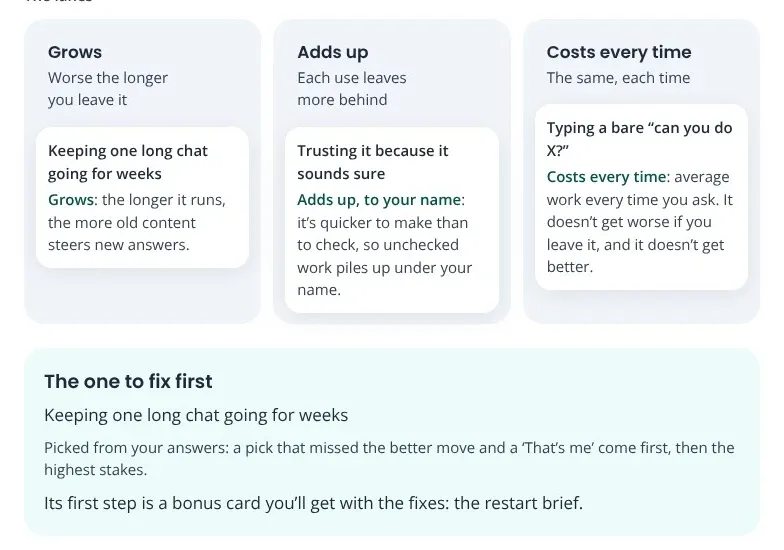
Three of the habits the introductory module looks for. None of them looks like a problem on the day. That’s what makes them blind spots.
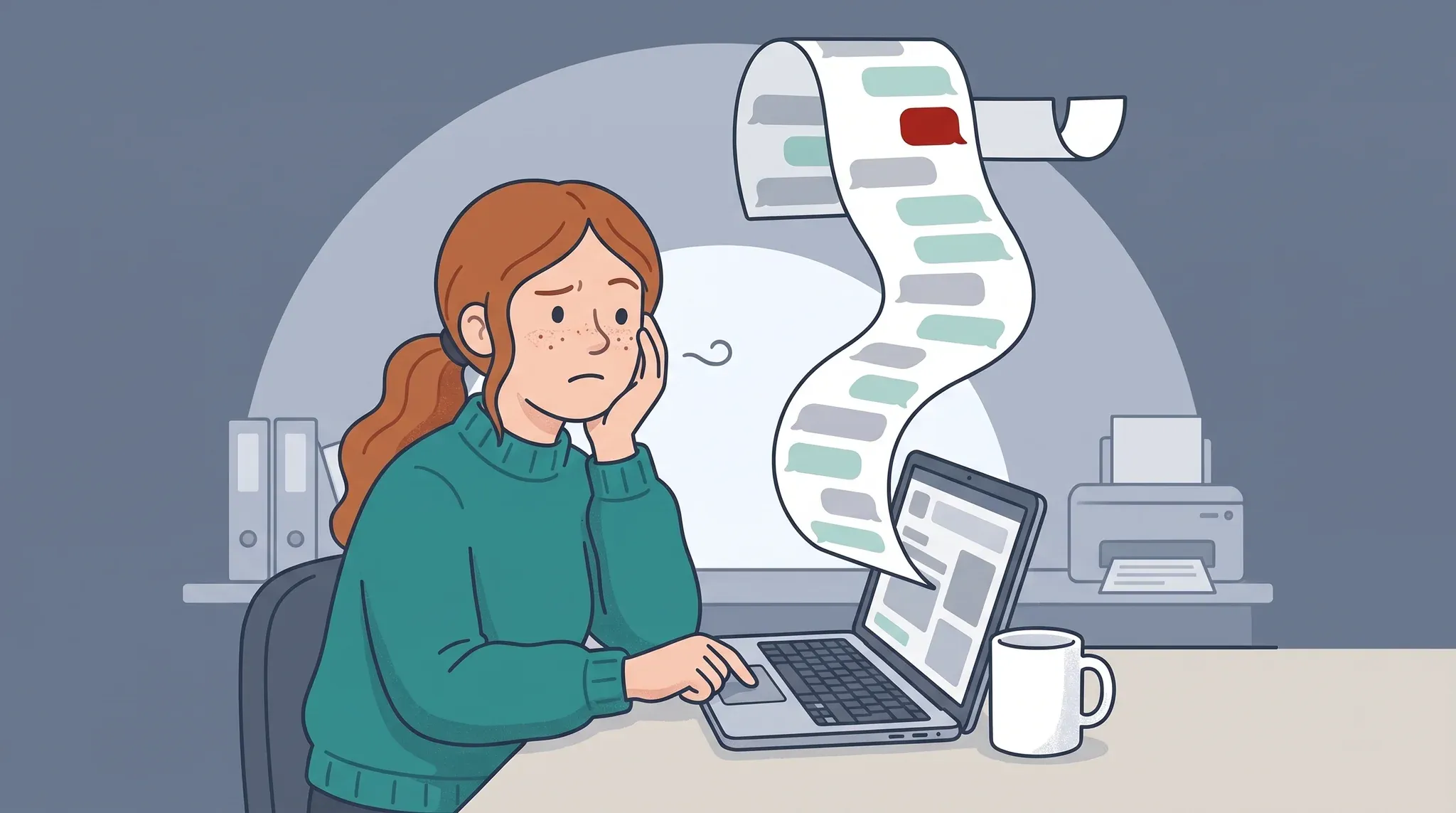 Grows
…keeping one long chat going for weeks?
It remembered everything at first. Three weeks in, it keeps forgetting what you agreed, and you keep explaining it again.
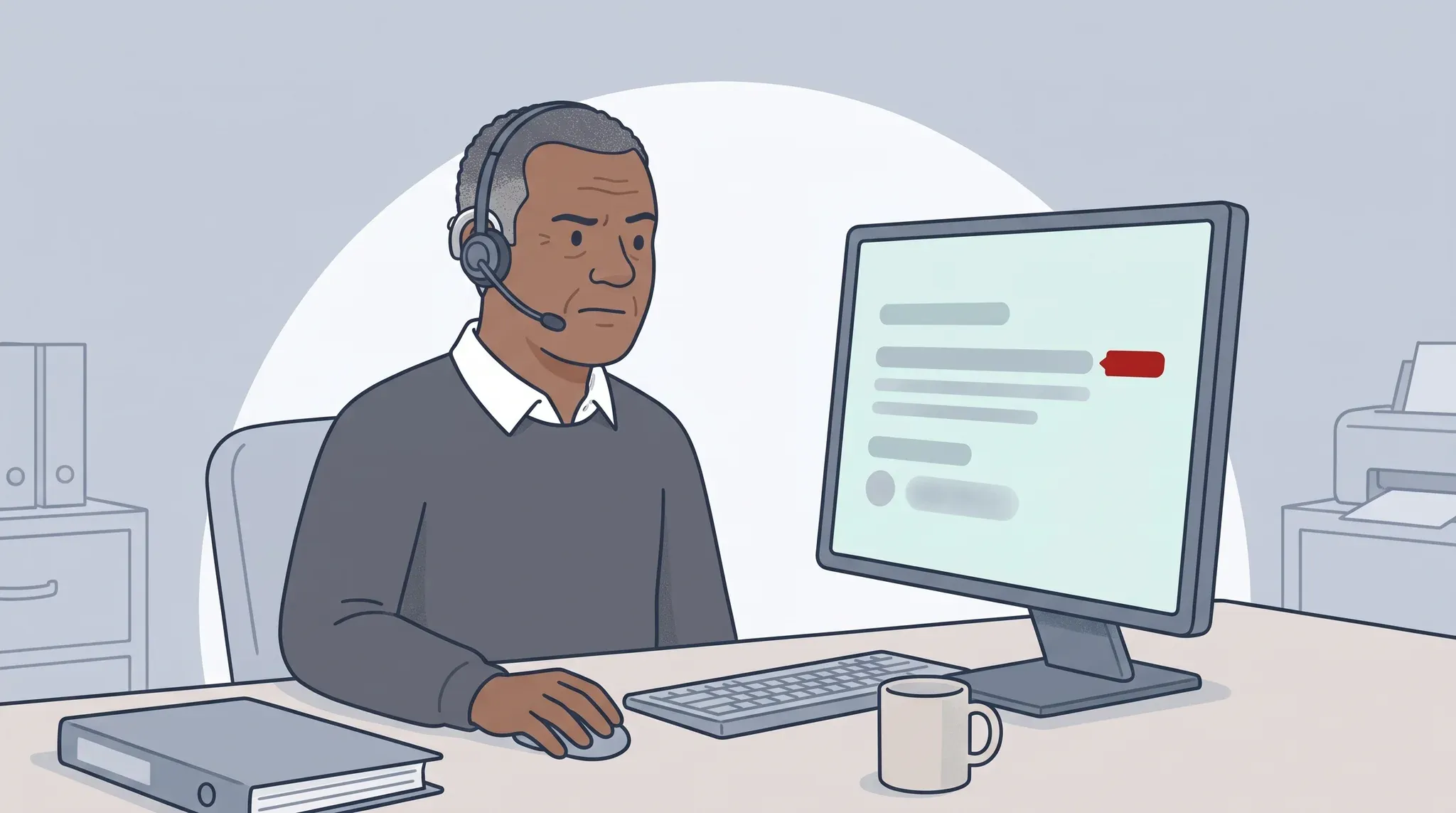 Adds up, to your name
…trusting it because it sounds sure?
A confident summary cites a guidance document. If the document doesn’t say that, the mistake goes out under your name.
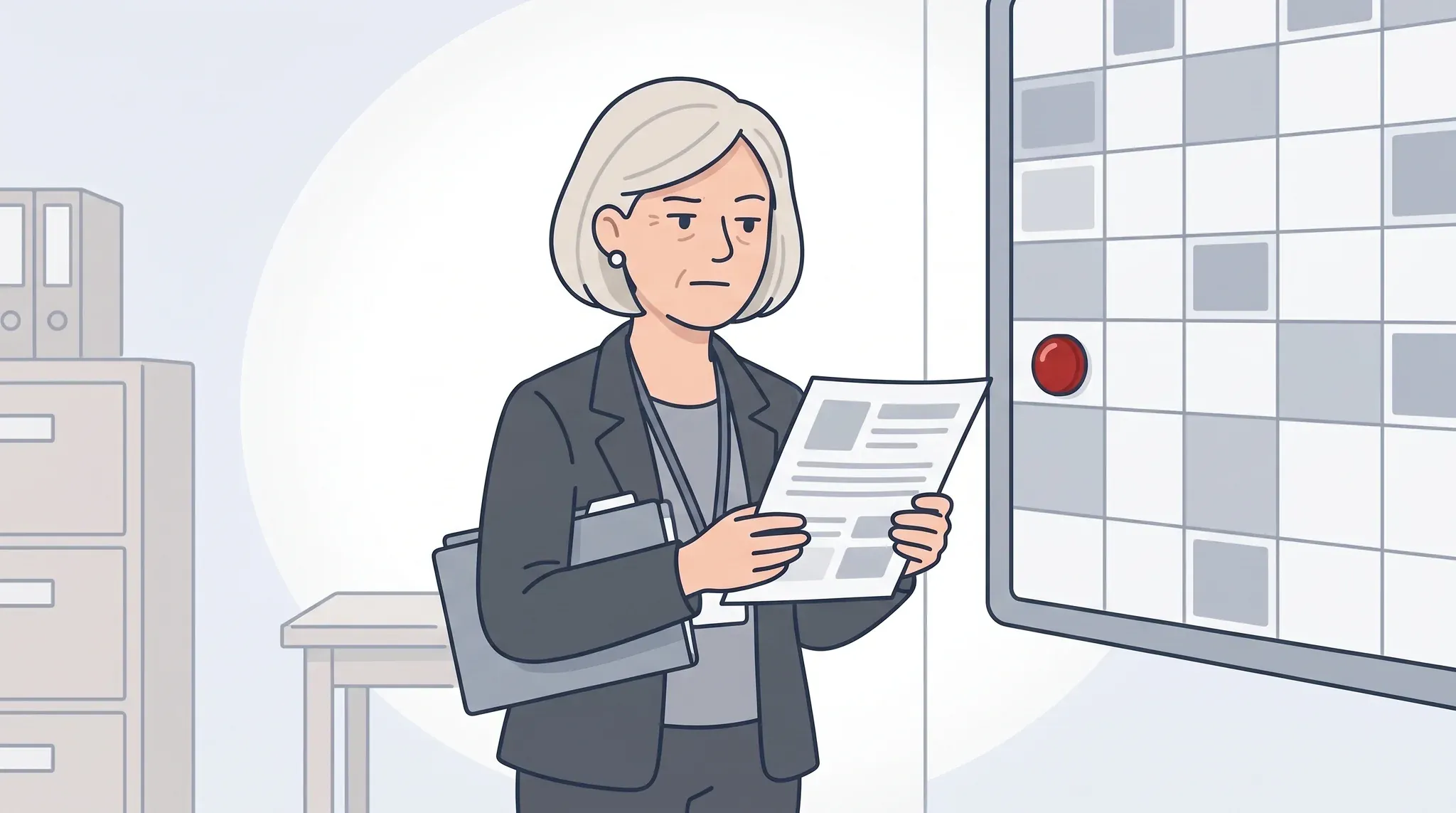 Costs every time
…typing a bare “can you do X?”
A bare request gets a bland answer, so you rewrite it yourself, or give up on AI as hype. Every time.
The free introductory module finds which of these are yours, and fixes the first one today.
Why this, not another AI course
Most AI courses tell people what AI is. This one makes them good at using it.
- How long
- Usually: One short video, done in one sitting
- The AI Stairway: Ten modules, each under an hour, in 11 to 16 minute lessons, at your own pace
- What you do
- Usually: Watch: what AI is, or where one product’s buttons are
- The AI Stairway: Practise in your own AI tool in every lesson
- Safety
- Usually: Generic warnings, or the tool maker’s own guidance
- The AI Stairway: Clear green, amber and red lines for staff and managers
- Which tools
- Usually: None, or only the maker’s own
- The AI Stairway: Any: Copilot, ChatGPT, Gemini, Claude and the rest
- Where it ends
- Usually: Awareness, and a certificate for watching
- The AI Stairway: Team rules, shared skills and a 90-day plan for one workflow
Start here, free
Know Your AI Blind Spots
Find the habits that cost you, see which ones grow, and try three fixes today.
An AI writes a note to families about Saturday’s open day in three seconds. Send it, or have a look first? That’s the first of six short scenes with the course’s cast. After each, a private question: “Are you just…?” Then your map, and the one habit to fix first.
You’ll leave with
- Your blind-spot map, and the one to fix first
- Three fixes you’ve already tried in your own AI tool
- An open-day note you’d actually send
- Your route through the ten modules
- A one-page “My AI blind spots” report to print, save or share with your manager
Start where you are
Climb the AI Stairway™, one step at a time
Scorchsoft’s AI Stairway™ to Success has seven steps, from no formal AI use to an AI-first strategy. The Foundation series takes your own practice from step 0 to step 2. The Advanced series takes the team on to shared practice, connected tools and agents, up to the point where you can specify a workflow and ask for it.
- Step 0No formal AI adoptionPersonal tools, no agreed safeguards
- Step 1Approved AI accessOne approved assistant
- Step 2Informal professional useUseful, but personal
- Step 3Shared best practiceWritten once, used by everyone
- Step 4Reusable agentsConnected tools, run on their own
- Step 5Embedded workflowsIn the daily work, value measured
- Step 6AI-first strategyAI at the heart of the business
Foundation series · Modules 1 to 5
Advanced series · Modules 6 to 10, to the threshold of step 5
The next horizon
The free introductory module covers steps 0 to 1 in about 22 minutes. In Module 1 you place two markers on the stairway, where your organisation is and where your own practice is, and move them as you climb.
Ten modules, each under an hour
Not what AI is. How to get work out of it you’d put your name to.
Each module is two or three lessons of 11 to 16 minutes, then a short check. Every module stands on its own, so you can start where you are.
The Foundation series · Modules 1 to 5
You’ve got AI, and you’re not sure what to ask it, or whether you’re allowed.
 Module 1
From Unsure to Useful
How AI works, what’s safe to share, and a quick first win.
About 55 min · Steps 0–1
 Module 2
Work You’d Put Your Name To
Brief AI well, catch its mistakes, and check in proportion.
About 53 min · Steps 1–2
 Module 3
Better Than Fine
Get finished documents, slides and analysis from today’s AI.
About 57 min · Step 2
 Module 4
Precise, Not Psychic
Write clear AI instructions and tell good work from slop.
About 55 min · Step 2
 Module 5
Let It Run
Fix messy AI chats, then set long tasks running while you work.
About 53 min · Step 2
The Advanced series · Modules 6 to 10
You’re using it. Now make it work for the team, with care.
 Module 6
One Chat, Whole Team
Turn your best AI chats into reusable skills, and agree safe team rules.
About 58 min · Steps 2–3
 Module 7
Forming an AI Culture
Help good habits spread, answer job worries honestly, and weigh AI’s energy use.
About 53 min · Step 3
 Module 8
Stop Being the Glue
Connect AI to your email, files and calendar, with controls you choose.
About 53 min · Steps 3–4
 Module 9
Hand It Over, Keep the Outcome
Brief AI agents, set trust levels, and decide which rules need code.
About 50 min · Step 4
 Module 10
From Glue to Workflow
Choose an AI idea, plan a 90-day test, and specify the workflow.
About 57 min · Steps 4–5
The whole climb
Want the detail? See every module in 3:54
A longer overview for anyone who wants to understand the course before they start. It walks through both series, module by module: what each one fixes, the moment it clicks, and what you can do afterwards that you couldn’t before.
Browse the modulesWhat it’s like to take
Built to be enjoyed, not endured
Short scenes, real practice in your own AI tool, and nothing you have to sit through twice.
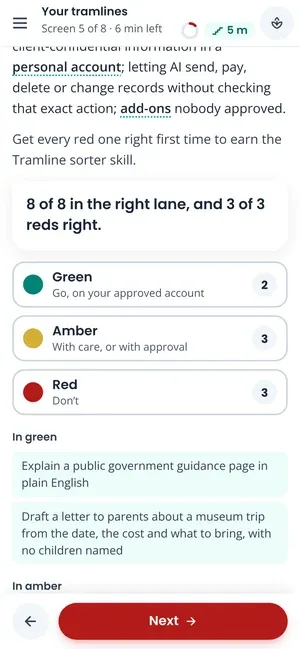
Practise in your own AI tool
Every try-it uses invented or public data, never your organisation’s, and works on a phone.
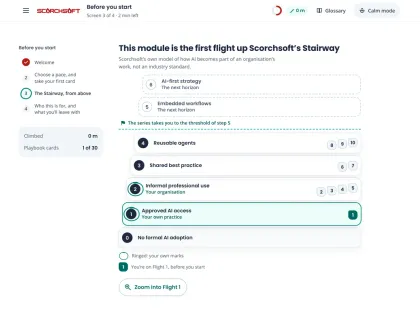
See where you are
Your markers on the AI Stairway™ move as you go, so you can see the climb.
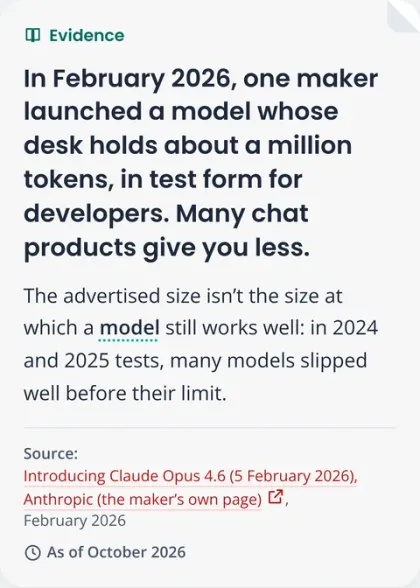
Every figure sourced and dated
Statistics carry their source and an “as of” date. What AI can do changes, so claims carry their year.
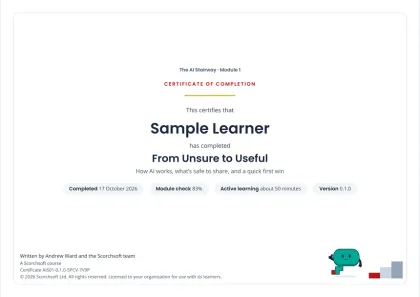
A certificate for each module
Pass the check at the end and keep a record of the time you spent learning.

In partnership with
The AI Stairway™ with Open Study College
Open Study College offers The AI Stairway™ to the people and organisations it works with. Its course page has the prices and how to join.

From the coal face
Written by someone who builds AI for a living, and rolled it out in his own team
Andrew builds AI products for clients every week, and rolled AI out across his own team at Scorchsoft (opens in a new tab). The AI Stairway™ is what he learned there: the habits that work, the ones that cost, and the order to learn them in.
- Founded Scorchsoft (opens in a new tab) in 2010: software and AI products for start-ups to multinationals
- Rolled out AI across his own team, and builds AI agents and workflows for clients
- First-class degree in Computer Science with Business Management, University of Birmingham
- Author of The Control Standard (opens in a new tab)
Scorchsoft has built software and apps for organisations including Dragonfly Intelligence, Gapped, SensTrain and Mosaic Masterpieces. The course is tool-neutral, evidence-based and reviewed every six months.
Questions
What people ask before they start
We already have Copilot or ChatGPT. Why would we need training?
Having the tool isn’t the same as using it well. Most people were handed AI with no training, so they paste what shouldn’t go in, send answers they haven’t checked, or give up after a so-so first try. The course works in whichever AI tool you already use, and gets people from “it’s fine” to work they’d put their name to.
Does it matter which AI tool we use?
No. It’s written to work whichever you use: ChatGPT, Microsoft Copilot, Claude, Gemini or another. It teaches what they have in common, such as briefing them well, checking what they give back, keeping data safe, and working with files, connected tools and agents, rather than one product’s menus. Where a product is named, it’s on a dated example, so if your organisation changes tools, or uses several, the training still applies.
We haven’t got time for training.
Each module is under an hour, in lessons of 11 to 16 minutes, so it fits a lunch break and your place is saved. Every lesson is practice in your own AI tool, so people can start saving time from the first module.
My team isn’t technical. Is this too advanced for them?
No. The Foundation series is for everyone: friendly, safe and no experience needed. The Advanced series is for people who want to stretch themselves and become power users. Every exercise uses invented examples and has a worked answer for anyone without an AI tool to hand.
What if it isn’t worth it?
Start with the free module: if it doesn’t help, it’s cost you 22 minutes. Then the paid modules come with a promise: If your first paid module isn’t worth it, tell us within 30 days and we’ll refund it.
Is it safe? What will people put into AI during the course?
Nothing confidential. Every try-it uses invented or public data, and says so. Knowing what’s safe to share is one of the first things the course teaches.
Won’t it be out of date in six months?
It teaches the kinds of AI tool and the habits that work with any of them, not one product’s buttons. Anything a tool can or can’t do carries its date, and the content is reviewed every six months. Updates are included.
Can I roll it out to my whole team, and see how they’re doing?
Yes. We set up your people, every learner starts with the free module, and you can see who has completed what. The bigger the team, the lower the price per learner. Tell us what you need and we’ll put a proposal together.
Twenty minutes from now, you’ll know your AI blind spots
And you’ll have fixed the first one. Free, on your phone or desktop. If you ask about anything else, we’ll reply within 24 hours.